
Home / eCommerce
eCommerce.
Some of your customers would rather pay in bitcoin. With a plugin for your webshop, bitcoin becomes one more payment method at checkout, and every payment goes straight into your own wallet.
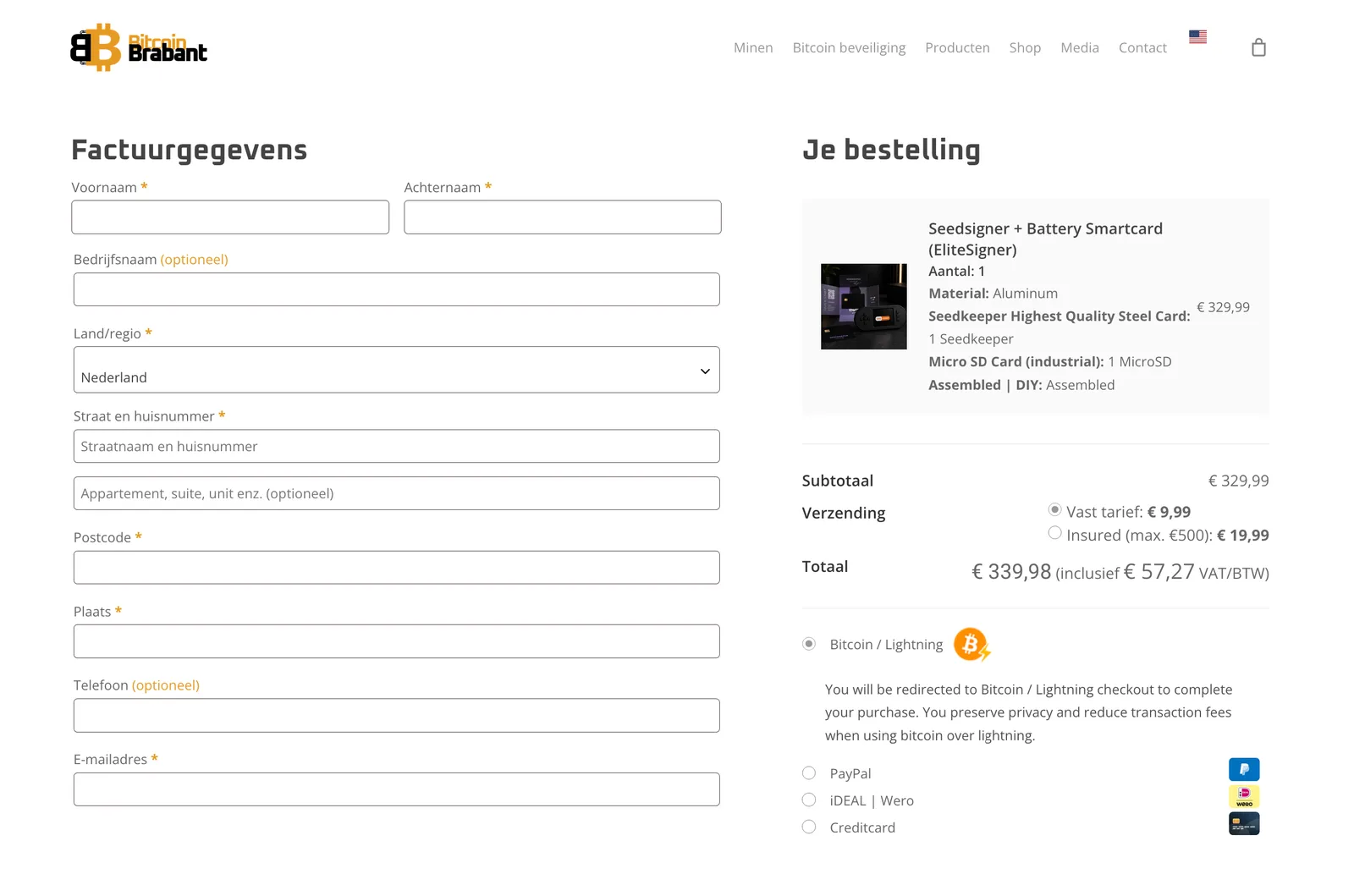
How it works at checkout.
Your customer picks bitcoin
Next to the payment methods you already offer.
They scan and pay
A QR code with the amount in sats, over Lightning or onchain.
The order is paid
The bitcoin is in your wallet, and the payment shows in your portal with its order number.
Platforms.
Plugins for the most used webshop platforms, and many more. Is yours missing? Ask us: we can build an integration for it.
Also supported: BigCommerce, Drupal, Easy Digital Downloads, EasyWebshop, Ecwid, Grandnode, nopCommerce, Odoo, OpenCart, PhocaCart, Smartstore and VirtueMart.
Beyond webshops: donations with GiveWP, event tickets with Pretix, bookings with Cal.com, memberships with Ghost, invoices with Invoice Ninja, forums with XenForo, and automations with Zapier.
Your webshop in the portal.
Add your webshop in the portal, and Lightning Checkout issues the access your shop needs. The plugin itself runs on your own site, and its payments show up in your portal next to your terminal sales.
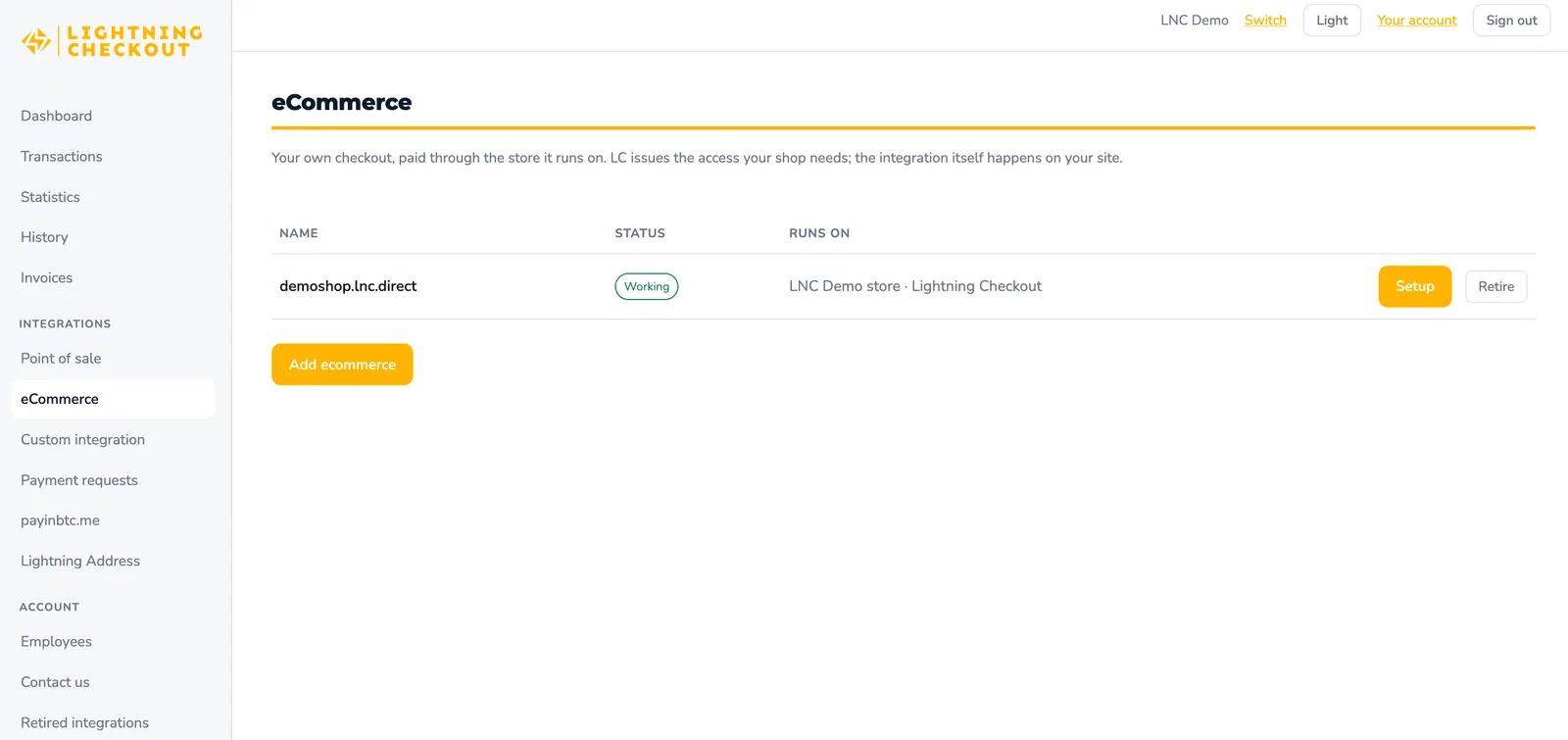
Setting it up.
Register
Choose eCommerce and give us your webshop address and platform.
Get your instructions
Within 24 hours you get your login and step-by-step instructions for your platform: where to get the plugin and how to install it.
Install the plugin
Follow the instructions and enter your details in the plugin. Bitcoin appears at checkout.
Rather not do it yourself?
Not everyone has the time or the technical knowledge to install a plugin. In that case we can install and set it up in your webshop for you.
For this we charge a one-time fee, depending on your platform and integration.
Questions.
About eCommerce.
Does my checkout change?
Only by one extra payment method. Everything else in your checkout stays as it is.
Can customers pay onchain as well?
Yes, if you add an xpub. Lightning suits everyday amounts, onchain suits larger orders.
How do refunds work?
Bitcoin payments are final, so there are no chargebacks. To refund an order, you send the amount back from your own wallet.
What does it cost?
1.0% per payment, never more than 5,000 sats (≈ €2.75) per month. A month with less than about €100 in bitcoin sales costs nothing.
Add bitcoin to your checkout.
Register: no fixed costs and no contract. Questions about your platform? Send them to us first.