
Home / Wallet guide
Which wallet should I use?
Every payment goes straight to your own wallet. We work with open standards rather than specific apps, and most wallets support them today. Below are the three standards, and the wallets we like best.
Three ways to connect.
Lightning address
An address that looks like an email address, for example name@wallet.com. It must support LNURL-verify: that's how we check a payment has arrived, without the money passing through us.
NWC
Nostr Wallet Connect links your wallet to Lightning Checkout, so payment requests are made by your own wallet. Any wallet that supports NWC works.
xpub, for onchain
A public key from which a new receiving address is made for every payment. Use a dedicated, unused xpub for your business.
Lightning address and NWC are both Lightning. You can combine either of them with an xpub to accept onchain payments too.
Our favourites.
Any wallet that meets the requirements above works. These are the ones we use and recommend.
Lightning address with LNURL-verify
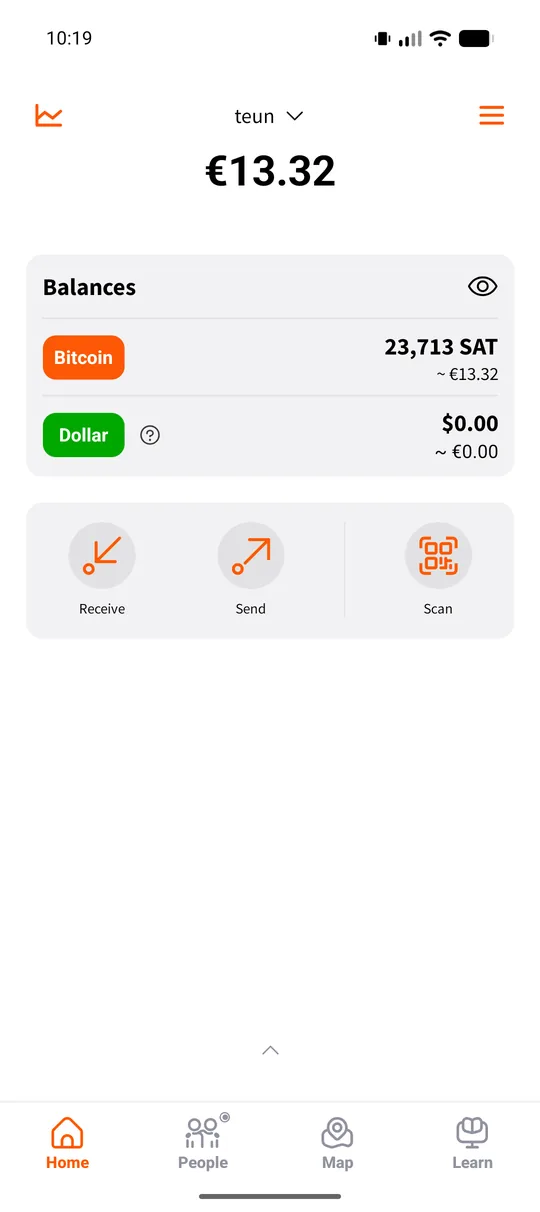
Blink
Everyday bitcoin wallet, formerly Bitcoin Beach Wallet. Every user gets a Lightning address like name@blink.sv. Blink holds the keys for you.
blink.sv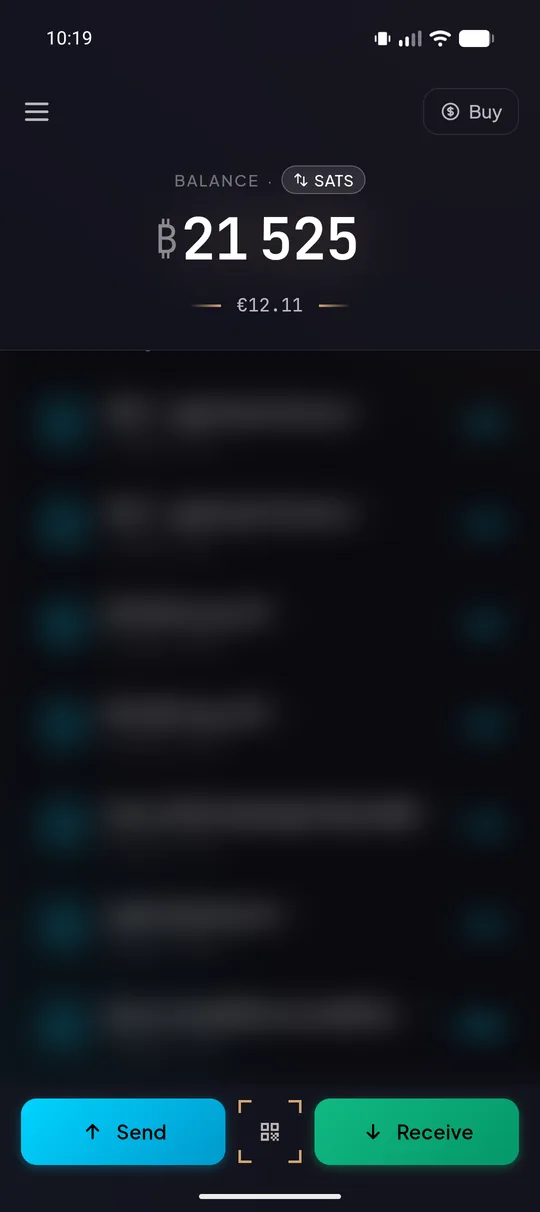
Glow
An app for everyday bitcoin payments, built in the open on the Breez SDK.
glow-app.co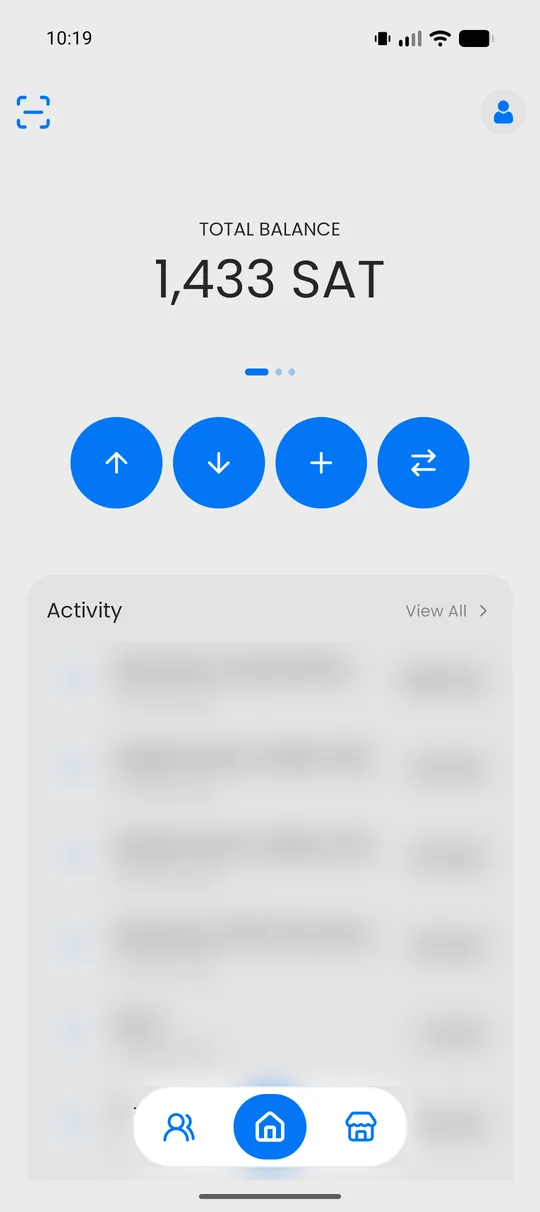
Blitz Wallet
Bitcoin and Lightning wallet for iOS, Android and the browser. Only you can access your balance.
blitzwalletapp.comNWC
Alby Hub
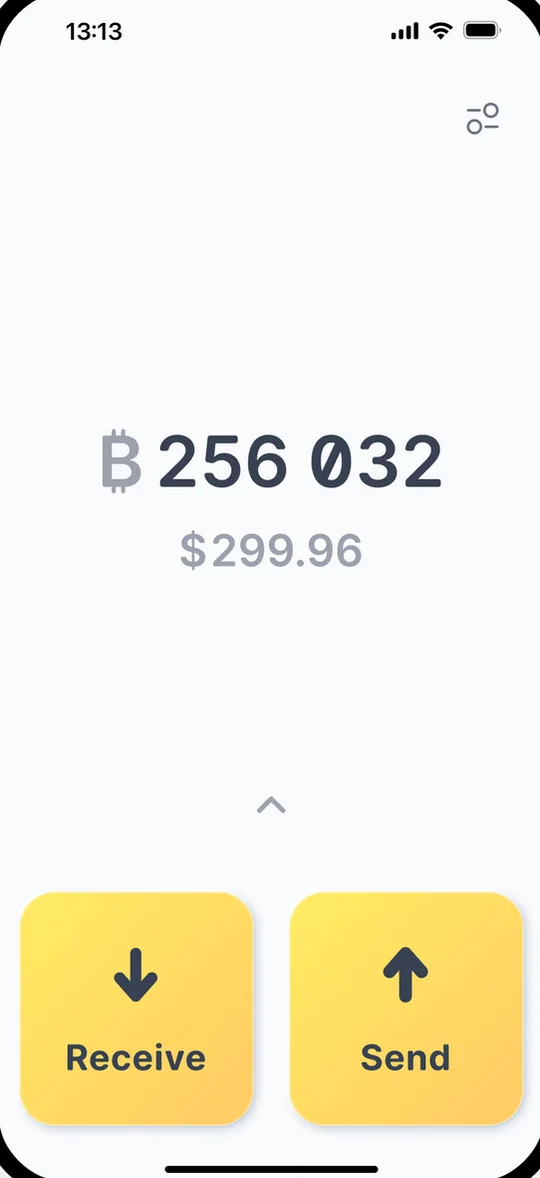
A wallet you keep the keys to, running in Alby Cloud or on your own server. Alby Go is its app for your phone.
getalby.com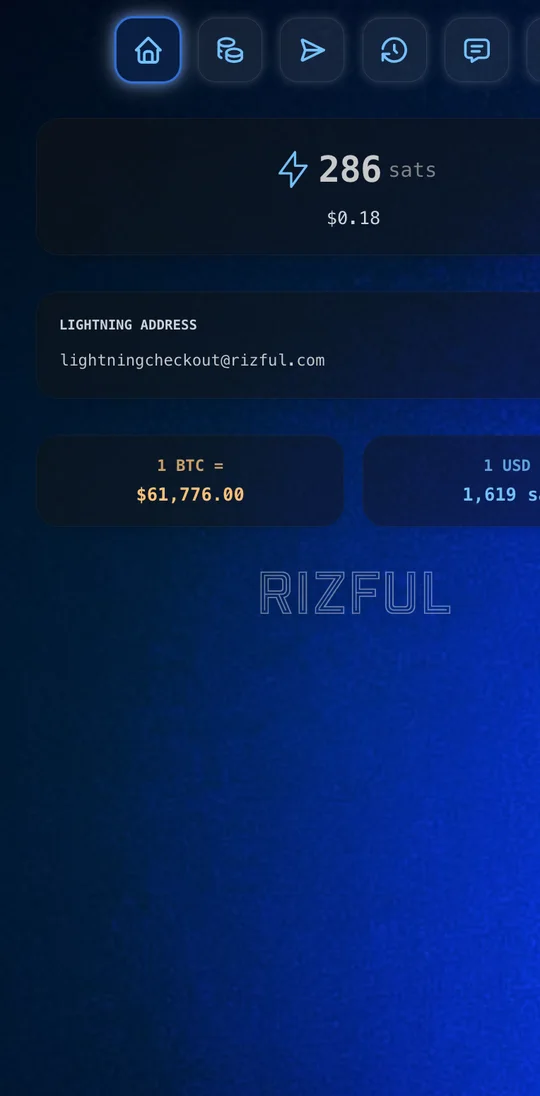
Rizful
A Lightning wallet in the browser, nothing to install. Meant for money you'll spend on Lightning, not for long-term savings.
rizful.com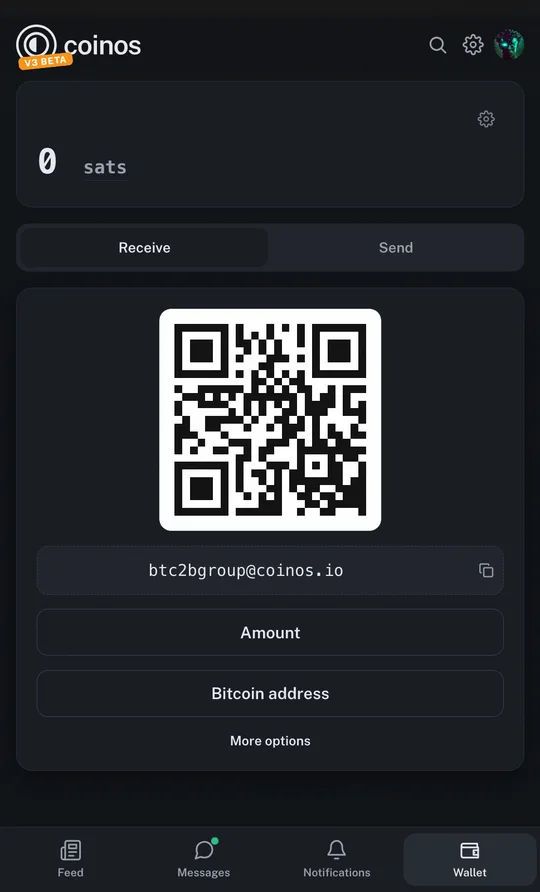
Coinos
Open-source web wallet that runs in the browser, nothing to install. Coinos holds the funds for you by default.
coinos.ioOnchain, with an xpub
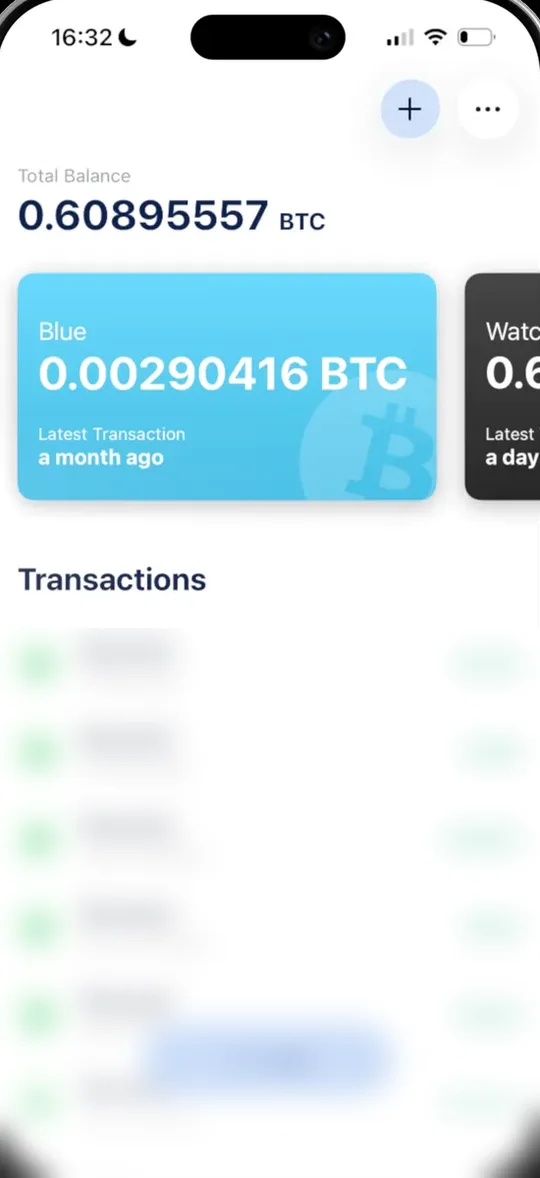
BlueWallet
Free, open-source, bitcoin-only wallet for iOS and Android. Your keys never leave your device.
bluewallet.io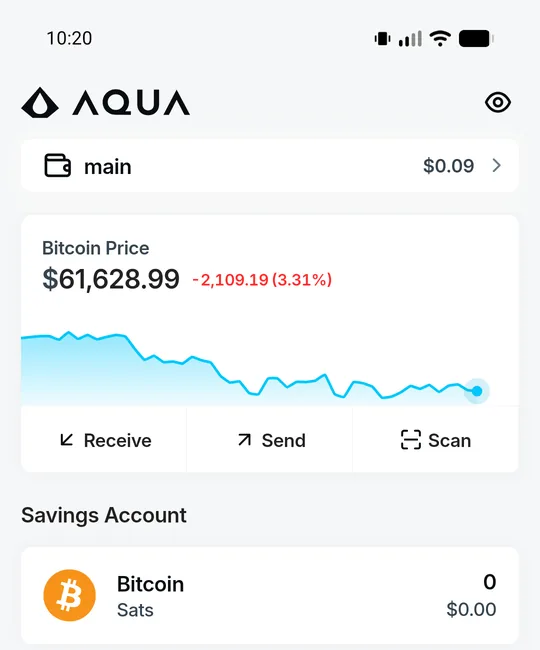
Aqua
A self-custodial mobile wallet for iOS and Android that handles onchain bitcoin and Lightning.
aqua.net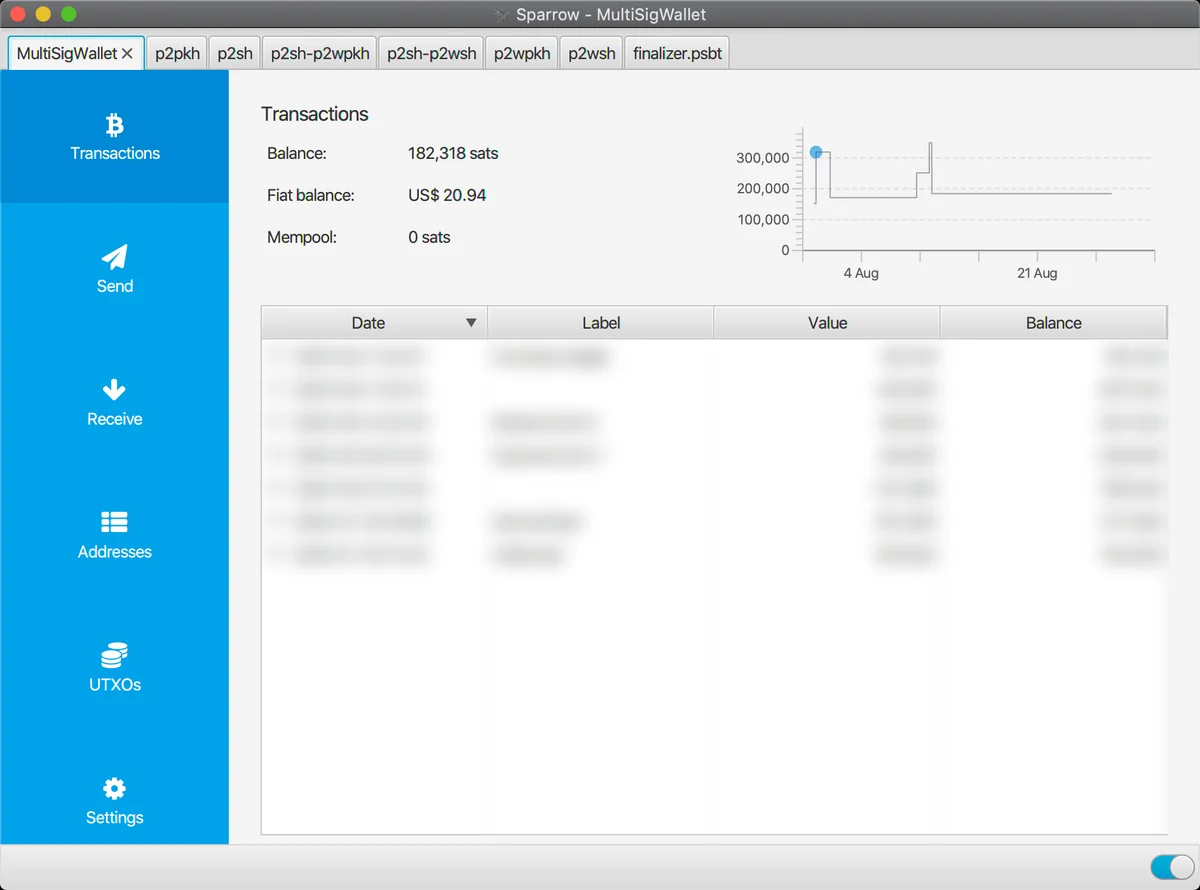
Sparrow
Free, open-source desktop wallet for Windows, macOS and Linux, built for security and privacy. Works with most hardware wallets.
sparrowwallet.comWallet list last checked: 20 November 2026. We don't receive anything for recommending these wallets.
Who holds the keys?
With a self-custodial wallet, only you hold the keys, and only you can move the money. With a custodial service, someone else holds them for you. That's easier to start with, but it puts a third party between you and your money again.
We recommend self-custody for anything you keep. The choice is yours.
What about my customers?
Your customers can pay from any Lightning wallet, or from any bitcoin wallet when you accept onchain. They don't need any of the wallets above.
If a customer asks which wallet to install, the mobile apps above are an easy start.
Before you take your first payment.
Write down your recovery phrase
On paper, kept somewhere safe and offline. With it you can restore your wallet if your phone breaks or gets lost.
Keep business and personal apart
A separate wallet, or at least a separate account, for your business payments keeps your bookkeeping simple.
Test with a small amount
Pay yourself a few sats through your terminal or webshop, and check that they arrive.
Wallet ready?
Then you have everything you need to register. Questions about your wallet? Ask us.